

Setting up artwork for Screen Printing
Populating our templates
Populating our templates is very straight forward, simply open the template file with Adobe Illustrator and populate it with your designs. For screen printing we need you to place your vectorised logo/design inside the template and embed the correct pantone.
- Your logo or design should be in vector format.
- All lines must be at least 1.0 point thickness (0.352mm)
- Allow at least 1mm spacing between elements
- Place the logos at least 6mm from any edges of the notebook
- Smallest font should be 11pts
- Embed all pantone colours into the file.
All pantone colours need to be embedded within the PDF file using the Pantone Connect extension. To embed your file simply:
- Open the Pantone Connect extension and select either the Solid Coated V5 or Uncoated V5 colourbooks.
- Select the shape or text you wish to fill with colour
- Select a pantone colour inside the Pantone Connect panel
- Click the three dots shown within the pantone swatch and select ‘Add to Swatch’
If you then click into the properties panel and double click the FILL section you will see all of the embedded pantones.
If you do not have access to the Pantone Connect extension we will accept the file with CMYK profiles. We will require you to provide us with the exact pantone codes you wish us to use.
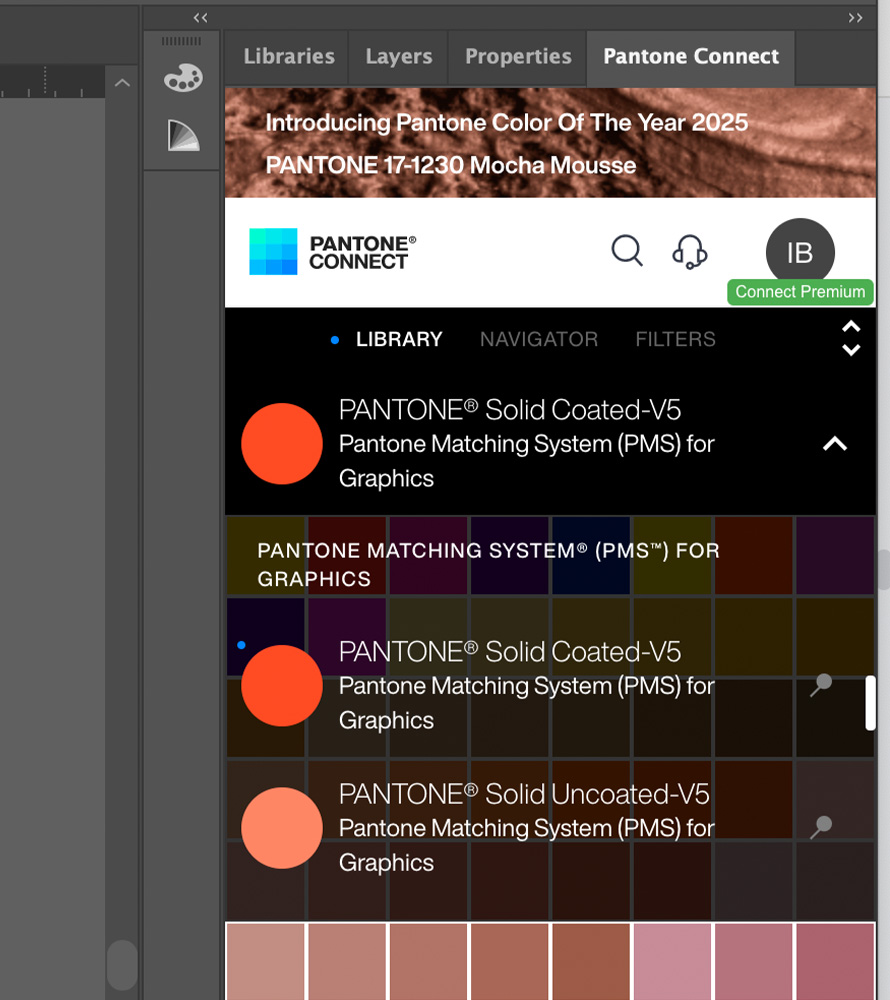
Choose Pantone Coated or Uncoated colourbook
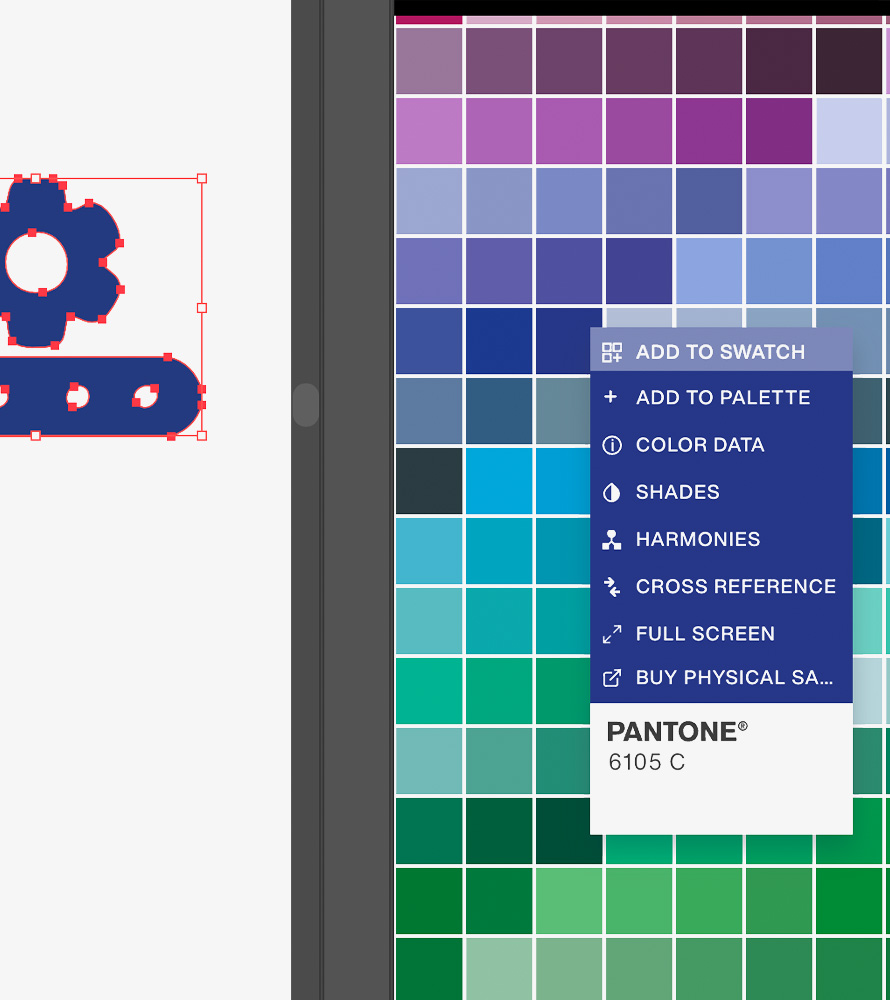
Right click pantone colour to add to swatch
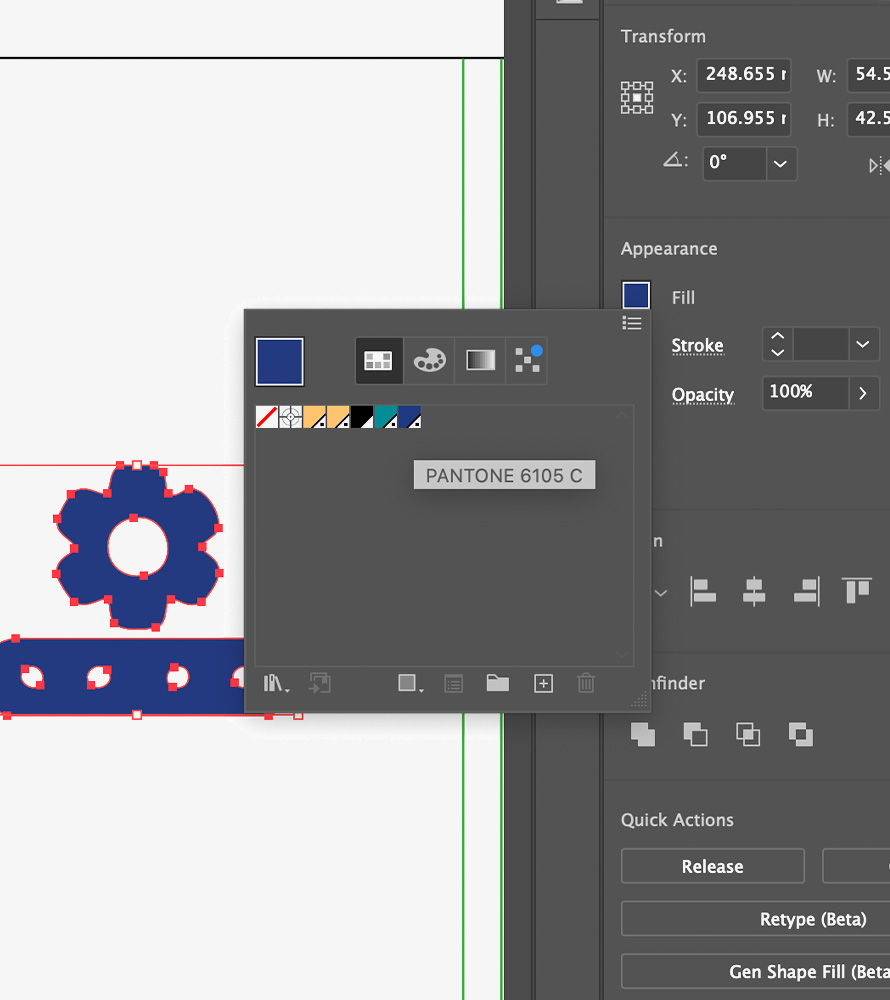
See your pantone in swatches
Save the changes you made ( File > Save) to the template and your artwork is now ready for production. If you wish to make adjustments to this after saving the changes, we recommend saving the updated version as a new file (File > Save A Copy) so that you have access to both versions.
Screen Printing
Screen printing is a branding method that uses a mesh screen to create one or two colour prints. Screen printing is great for text and solid colour designs which can be printed in any coated C or uncoated U pantone colours.
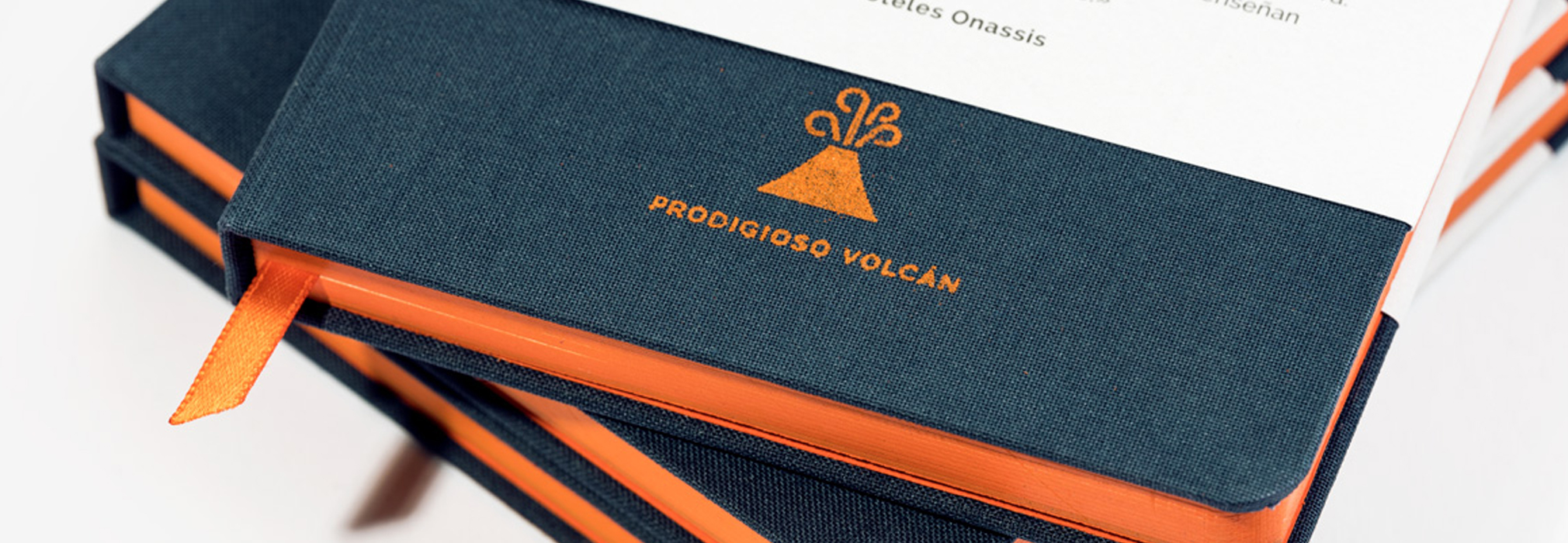
Screen printing is the best option to print solid blocks or patches of colour. Screen printing is a technique whereby a mesh is used to transfer ink onto a material, except in areas made impermeable to the ink by a blocking stencil. A blade or squeegee is moved across the screen to fill the open mesh apertures with ink, and a reverse stroke then causes the screen to touch the surface. This causes the ink to reach the surface through the mesh apertures as the screen springs back after the blade has passed.
Do’s:
- Explore special ink options including U and C value Pantones, metallic inks as well as novelty inks such as dark glowing UV inks, all the way through to bright neon inks and glitter inks.
- Use sans serif fonts in your design, this will ensure a cleaner overall finish
Dont’s:
- Don’t screen print on textured materials such as cloth as this can cause the ink to bleed.
- Don’t use small fonts, nothing lower than 11pts will be legible
- Do not include elements that are less than 1.0 point thickness
- Don’t use text which has any spacing less than 1mm